Budget Creator Kit
Best Budget Creator Kit Light for Beginners (2026 Guide)
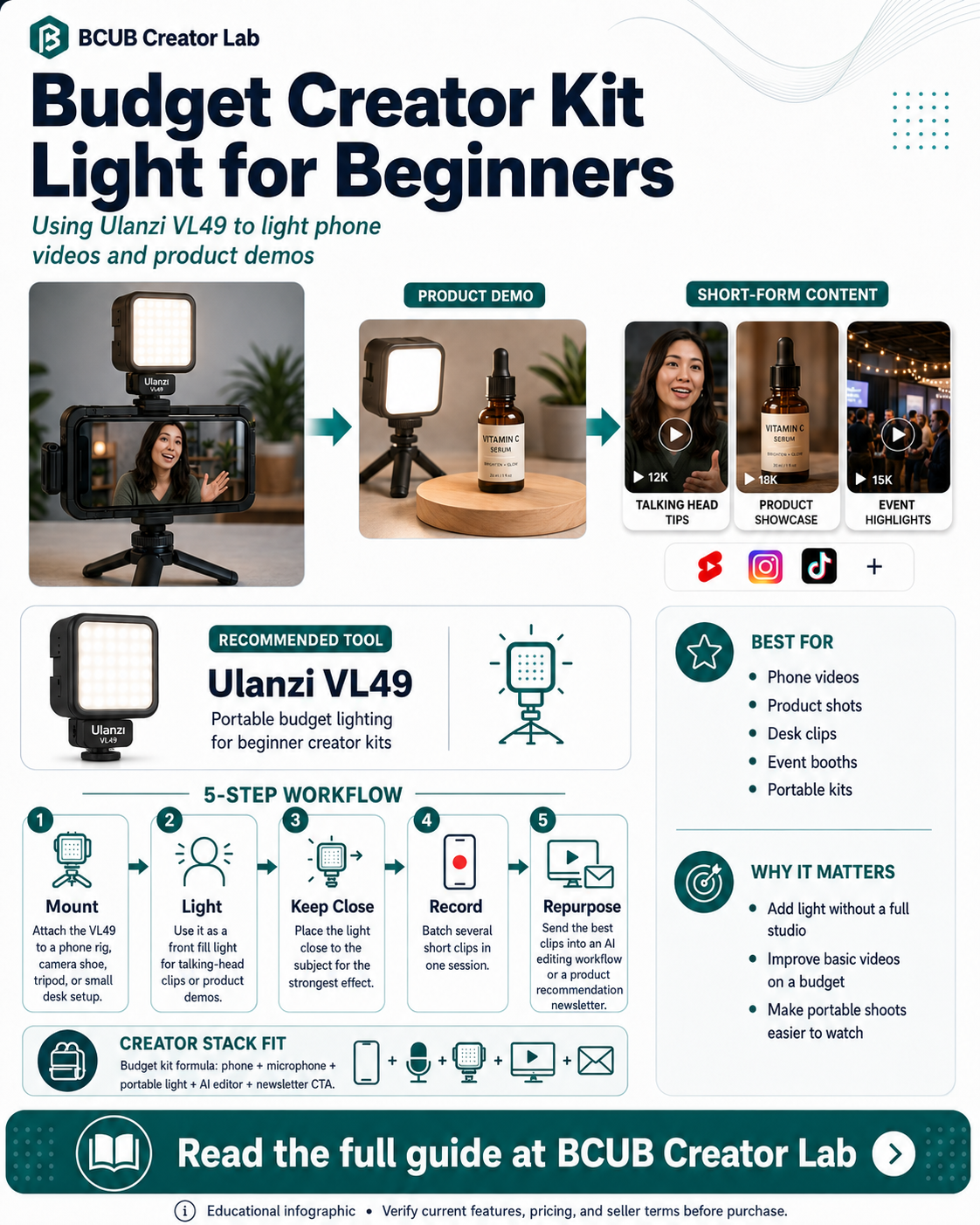
A budget creator kit should solve the first production problems: stable framing, clear audio, and enough light to see the subject. The Ulanzi VL49 fits the lighting role for creators who need something small, portable, and affordable.
Quick answer
Ulanzi VL49 is the budget creator kit page because it gives beginners a portable light option without requiring a full studio setup.
Who this is best for
Beginner creators who need a small portable light for phone videos, product shots, desk clips, and quick demos.
Recommended role in the stack
Ulanzi VL49
Budget portable lighting for beginner creator kits
Why creators need this
Budget creators often film wherever they can: a desk, car, kitchen table, event booth, or small product table.
A small LED light helps reduce dark footage and adds more control when natural light is unreliable.
The goal is not cinematic lighting. The goal is consistent enough lighting to make beginner content easier to watch and easier to batch.
Ulanzi VL49: feature breakdown
| Feature | Creator value |
|---|---|
| 49 LEDs | Compact on-camera light source for small creator setups. |
| 5500K daylight color temperature | Simple daylight-balanced light for basic videos. |
| CRI 95+ | Color accuracy target for cleaner product and face lighting. |
| 2000mAh built-in battery | Rechargeable battery for portable shoots. |
| Cold shoe mounts | Mounting options for cameras, rigs, and multi-light grids. |
Source note: Product feature details should be verified on the official ulanzi.com product page before purchase.
Creator workflow example
- Mount the VL49 on a phone rig, camera shoe, tripod, or small desk setup.
- Use it as a front fill light for talking-head clips or product demos.
- Keep it close to the subject for best effect.
- Record several short clips in one session.
- Send the best clips into an AI editing workflow or use them inside a product recommendation newsletter.
Pros and considerations
Pros
- Low-cost lighting upgrade
- Portable and easy to pack
- Useful for phone videos and product demos
Considerations
- Small light output compared with larger panels
- Battery runtime depends on brightness level
- Best used close to the subject
Not ideal for: Creators who need to light large rooms, multi-person scenes, or professional studio sets.
How this fits the BCUB Creator Lab stack
Use this page as one piece of a beginner creator system. The practical stack is simple: capture better content, improve the source quality, repurpose it with AI, and send the best audience attention into an owned channel.
Affiliate offer
Ready to build this part of your creator stack?
Start with the official product page, confirm the current price and plan details, then decide whether it fits your content workflow and budget.
Shop Ulanzi VL49 →BCUB may earn a commission if you purchase through this link.
FAQs
Is Ulanzi VL49 enough for a full studio?
No. It is better treated as a small portable light for close-range creator work.
Where does it fit in a beginner kit?
It handles the budget lighting slot alongside a phone, tripod, microphone, and AI editing tool.
Should I buy one or multiple small lights?
One can help with basic fill. Multiple small lights can add flexibility, but beginners should start simple and upgrade only after testing their content workflow.